










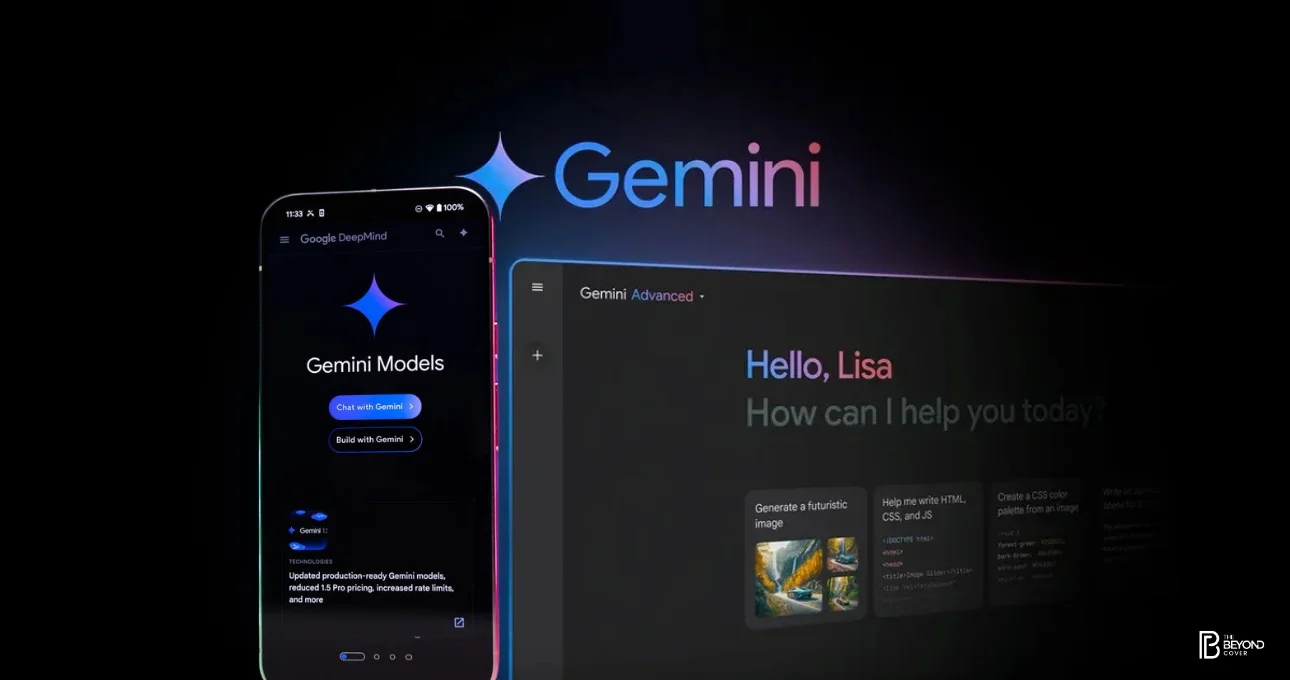
Google is reportedly developing a new Gemini screen automation feature that could allow its AI assistant to control apps directly on Android phones. Spotted during early development, the feature hints at a major leap toward agentic AI on mobile devices—where AI doesn’t just respond to commands, but actively performs tasks across apps on a user’s behalf.
Gemini Screen Automation: What’s Been Spotted
According to early findings from app teardowns and development references, Google is working on a Gemini-powered capability that can understand on-screen content and interact with apps in real time. This includes reading what’s displayed on the screen, navigating interfaces, tapping buttons, filling forms, and switching between apps—all under user instruction.
While Google has not officially announced the feature, references to “screen automation” and Gemini’s expanded permissions suggest the company is experimenting with deeper system-level AI integration on Android.
How Gemini Could Control Android Apps
If launched, Gemini screen automation would move beyond voice commands and text-based assistance. Instead of telling an app what to do through pre-built integrations, Gemini could visually interpret app layouts and act much like a human user.
For example, users could ask Gemini to:
- Book a cab by navigating a ride-hailing app
- Schedule a meeting by filling calendar details
- Compare prices across shopping apps
- Change phone settings without manual navigation
This approach relies on multimodal AI—combining visual understanding, language processing, and contextual reasoning—to execute tasks accurately.
Why Screen Automation Matters for Android AI
Screen automation is a critical step toward agentic AI, where assistants can complete multi-step workflows independently. Apple, Microsoft, and other tech giants are also exploring similar concepts, but Android’s open ecosystem gives Google a unique advantage in rolling out system-wide AI control.
For Android users, this could mean:
- Faster task completion
- Reduced app switching
- More accessible phone usage for non-technical users
- Hands-free interactions for productivity and accessibility
From a developer perspective, AI-driven automation could reduce reliance on custom integrations and APIs, as Gemini would interact with apps visually.
Privacy and Security Considerations
Allowing an AI assistant to control apps raises important privacy and security questions. Screen access permissions are sensitive, as they could expose personal data such as messages, passwords, and financial information.
Google is expected to implement strict permission controls, user confirmations, and on-device processing where possible. Similar to accessibility services, screen automation would likely require explicit opt-in and clear visibility into what Gemini is doing at any time.
How This Fits Into Google’s Gemini Strategy
Google has been steadily expanding Gemini’s role across Android, Workspace, and Google services. Recent updates have focused on contextual awareness, multimodal inputs, and deeper system integration.
Screen automation aligns with Google’s broader goal of making Gemini a proactive assistant that can “do things for you,” rather than just answer questions. It also positions Android as a testing ground for advanced AI capabilities before wider rollout across platforms.
When Could Gemini Screen Automation Launch?
There is no confirmed release timeline yet. Since the feature is still in development, it may first appear in limited previews, developer builds, or Pixel-exclusive updates before broader availability.
As AI competition intensifies, Google may accelerate its rollout to keep pace with rivals pushing toward autonomous assistants.
A Glimpse of the Future of Mobile AI
Gemini screen automation represents a shift in how users interact with smartphones. If implemented responsibly, it could redefine productivity, accessibility, and everyday phone usage—turning Android devices into AI-driven operators rather than passive tools.
For now, the feature remains under development, but its discovery signals that Google is preparing for a future where AI doesn’t just guide users—it takes action on their behalf.